Citra MMJ Error 12 Fix – How to Resolve Error 12 Generic on Android
Getting Error 12 or Error 12 Generic in Citra MMJ? This complete fix guide explains every known cause and walks you through the exact solution step by step.
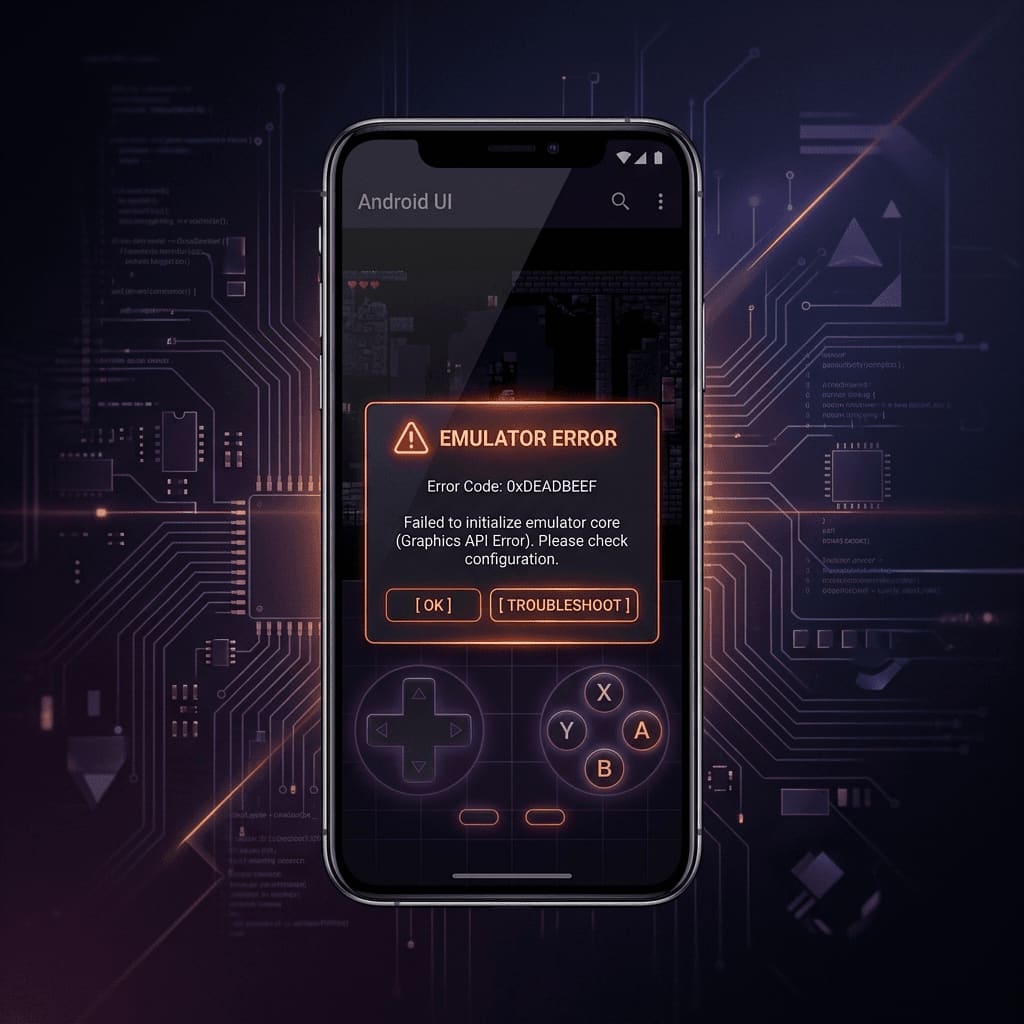
You launched a game in Citra MMJ and hit a wall — a terse error dialog reading “Error 12” or “Error 12 Generic”. Like Error 11, this is a loader-level failure, but the cause and fix are different. This guide covers every known scenario that produces Citra MMJ Error 12 and gives you a tested path to resolution.
What Is Citra MMJ Error 12?
In the Citra loader system, Error 12 maps to Loader::ResultStatus::ErrorInvalidFormat — meaning the emulator opened your ROM file successfully, started reading it, and then found that the internal structure of the file does not match any recognisable 3DS ROM format.
⚠️ Error 12 Generic is simply the full human-readable label for the same status code. “Error 12 Generic” and “Error 12” refer to the same problem.
This is distinct from Error 11 (which means the file is encrypted). Error 12 means the file format itself is wrong or unrecognisable, even after any encryption layer is handled.
Fix #1: The File Is Corrupted or Incomplete
The most common cause of Citra MMJ Error 12 is a ROM file that was partially downloaded, interrupted mid-transfer, or incorrectly extracted from a compressed archive.
How to Check for Corruption
- Check the file size. Every commercial 3DS ROM has a well-documented expected file size. Cross-reference your file:
| Game | Expected Size |
|---|---|
| Pokémon X / Y | ~1.7 GB |
| Pokémon Sun / Moon | ~3.6 GB |
| Mario Kart 7 | ~700 MB |
| Super Smash Bros. 3DS | ~2.3 GB |
| Animal Crossing: New Leaf | ~1.1 GB |
If your file is significantly smaller (e.g., 200 MB for a game that should be 1.7 GB), it is truncated. Re-dump or re-obtain a complete copy.
- Try a different file manager or re-extract. If the ROM came in a
.zipor.7zarchive, a failed extraction can produce a file with the right name but wrong internal content. Delete the extracted file and extract again using a reliable app like ZArchiver on Android.
Fix #2: Wrong File Format / Extension Mismatch
Error 12 frequently occurs when the file extension does not match the actual file format inside. Common scenarios:
- A
.3dsfile that is actually a raw encrypted dump (should be decrypted first — see our Error 11 fix guide) - A
.ciafile that was incorrectly renamed from a.ccior vice versa - A
.nds(Nintendo DS) ROM that was accidentally placed in your 3DS folder — Citra cannot load DS ROMs - An
.apk,.zip, or other non-ROM file that was accidentally added to the game directory
Supported Citra MMJ File Formats
| Format | Compatible | Notes |
|---|---|---|
.3ds (decrypted) | ✅ Yes | Primary format |
.cci | ✅ Yes | Same as .3ds |
.cia (decrypted) | ✅ Yes | Installed title format |
.cxi | ✅ Yes | Executable image |
.3ds (encrypted) | ❌ Error 11 | Must decrypt first |
.nds | ❌ Error 12 | DS format, not 3DS |
.zip / .7z | ❌ Error 12 | Extract the archive first |
.apk | ❌ Error 12 | Android app, not a ROM |
Fix #3: Using a CIA File That Was Not Properly Installed
If you are trying to load a .cia file and getting Error 12, this often means the CIA was not properly extracted/decrypted, or it is a system title (not a game title) that Citra cannot load as a regular game.
Solution: Ensure your CIA file is a decrypted game CIA (not a system update, DLC, or theme CIA). DLC and update CIAs cannot be loaded as standalone games — they must be installed over an existing game in Citra’s simulated NAND.
Fix #4: Citra MMJ Build Is Outdated
Older Citra MMJ builds had stricter format parsing that rejected some valid ROMs with Error 12. If you are running a build from 2020 or 2021 and encountering Error 12 on a file that other users confirm works, update to the latest stable build.
- Download the latest APK from the official GitHub releases page.
- Uninstall your existing Citra MMJ app before installing the new version (back up your saves in
citra-emu/saves/first). - Reinstall from the fresh APK.
- Try loading the ROM again.
Error 12 Fix Checklist
Work through this list in order:
| # | Check | Action |
|---|---|---|
| 1 | Is the file in a .zip or .7z archive? | Extract it completely before loading. |
| 2 | Is the file size smaller than expected? | The file is truncated — re-obtain a complete copy. |
| 3 | Does the extension match the format? | Rename or source the correct format. |
| 4 | Is it a .nds (DS) ROM by mistake? | Citra cannot load DS ROMs — you need a DS emulator. |
| 5 | Is it a DLC or update CIA, not a game CIA? | Load the base game CIA first; install DLC separately. |
| 6 | Are you on an old Citra MMJ build? | Download and install the latest stable APK. |
Quick Summary: Error 12 vs Error 11
| Error | Meaning | Primary Fix |
|---|---|---|
| Error 11 | File is encrypted | Decrypt ROM or provide AES keys |
| Error 12 | Invalid file format | Re-obtain correct/complete ROM file |
If you have resolved Error 12 and your game now loads, visit our Citra MMJ Best Settings guide to configure graphics and FPS for the best performance on your device.
✅ Game loads but freezes later on? Error 12 stops the game before it boots. If it boots fine but hangs mid-session instead, that’s a different issue — see our freeze/CEC data fix guide.